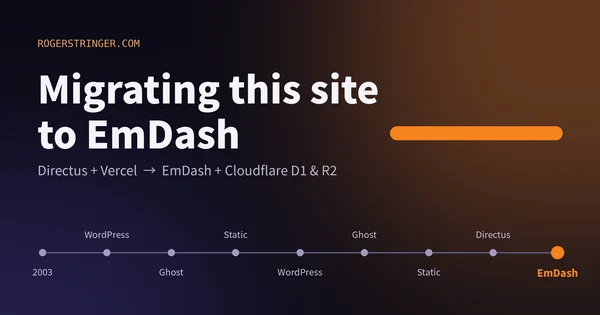
Migrating this site to EmDash
This site has changed CMS more times than I can count since 2003. This time I moved to EmDash on Cloudflare, and the reason is that most of my building now happens alongside an AI agent.
Read more Roger Stringer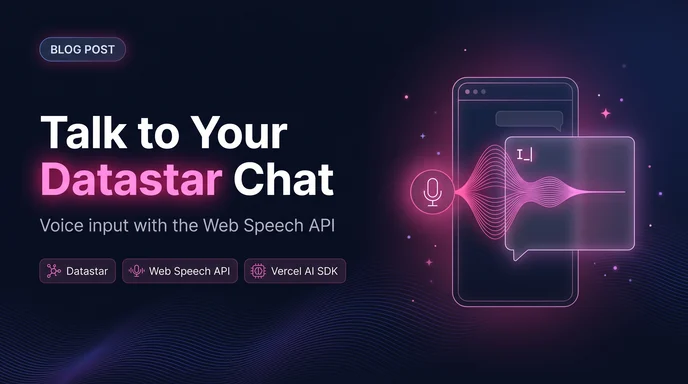
Typing prompts wore thin. The chat should feel immediate. Tokens stream as you type. A mic button adds voice input. No backend changes. No transcription service. The browser's SpeechRecognition API writes into the same chat input.
The chat input uses a signal named message. The mic button writes into this signal, just like typing.
Code example (simplified):
const SpeechRecognition = window.SpeechRecognition || (window as any).webkitSpeechRecognition;
const recognition = new SpeechRecognition();
recognition.continuous = true;
recognition.interimResults = true;

recognition.onresult = (event) => {
  let finalTranscript = "";
  let interimTranscript = "";

  for (let i = event.resultIndex; i < event.results.length; i++) {
    const transcript = event.results[i][0].transcript;
    if (event.results[i].isFinal) {
      finalTranscript += transcript;
    } else {
      interimTranscript += transcript;
    }
  }

  // Update the chat input with the transcription
  document.dispatchEvent(new CustomEvent("speech-result", {
    detail: { text: finalTranscript || interimTranscript },
  }));
};On the UI, an event listener patches the message signal when the speech result fires. The rest of the chat remains unchanged.
<input type="text" data-bind="message" placeholder="Ask something..." />

<button
  type="button"
  data-show="$speechSupported"
  onclick="$listening ? @post('/api/mic/stop') : @post('/api/mic/start')"
  aria-pressed="$listening"
>
  🎤
</button>
The mic button is shown only when the feature exists in the browser. When speech ends, the listening flag flips to false.
I went with toggle instead of push-to-talk — click once to start listening, click again to stop. Typing doesn't require holding anything down either, so a toggle felt like the closer match to how the rest of the widget already behaves.
None of this required a new dependency, a new API key, or a line on an invoice. It's the same trade I keep making with this site: reach for what the browser already gives you before reaching for a service that bills per request. The chat widget streams tokens back because that felt like the honest way to show an LLM thinking. Now it can listen the same way — no new infrastructure, just one more signal getting written into from a different direction.
It's turned into something I actually reach for when I'm thinking out loud about a prompt rather than composing it carefully — for quick, exploratory questions it's faster than typing. For anything that needs precise wording, I still default back to the keyboard.
A few things I hit building this that aren't obvious from the API docs:
getUserMedia call. If the user denies it, onerror fires with not-allowed — handle it by falling back silently to typing rather than showing a dead mic icon.continuous: true. Listen for onend and decide whether to restart automatically or just flip $listening back to false.recognition.stop() so it's not still capturing audio into a message that's already been sent.I went with toggle instead of push-to-talk — click once to start listening, click again to stop. Typing doesn't require holding anything down either, so a toggle felt like the closer match to how the rest of the widget already behaves.
None of this required a new dependency, a new API key, or a line on an invoice. It's the same trade I keep making with this site: reach for what the browser already gives you before reaching for a service that bills per request. The chat widget streams tokens back because that felt like the honest way to show an LLM thinking. Now it can listen the same way — no new infrastructure, just one more signal getting written into from a different direction.
It's turned into something I actually reach for when I'm thinking out loud about a prompt rather than composing it carefully — for quick, exploratory questions it's faster than typing. For anything that needs precise wording, I still default back to the keyboard.
This site has changed CMS more times than I can count since 2003. This time I moved to EmDash on Cloudflare, and the reason is that most of my building now happens alongside an AI agent.
Read more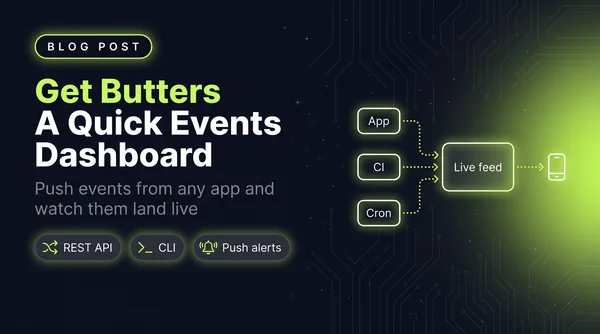
I wanted a simple dashboard that showed me events as they happened, so I wrote a quick little Astro app. It grew into Get Butters: a real-time event feed with a REST API, a CLI, insight cards and push alerts.
Read more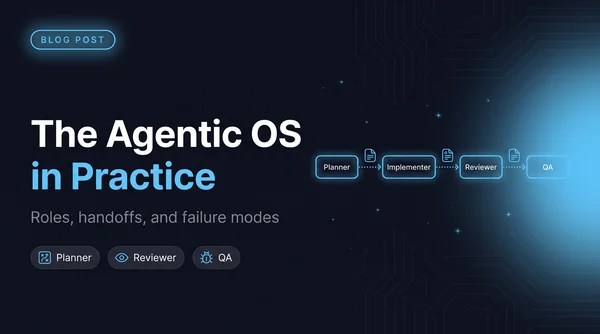
Once four agents can edit the same repo, architecture stops being the hard problem and coordination starts. The five roles I run and what each one is forbidden to touch, why every handoff goes through a file, a worktree script so agents stop racing, and the failure modes worth naming.
Read more