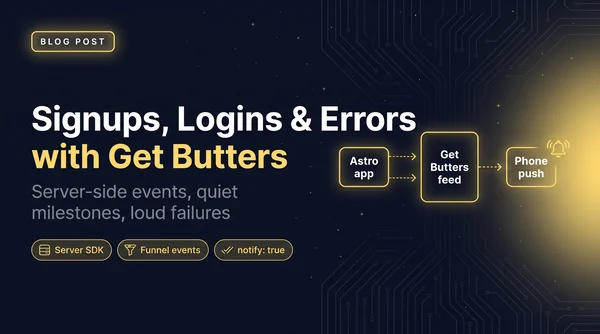
How I track signups, logins and errors with Get Butters
How Talk To My Sites sends signups, logins and funnel events to a Get Butters feed, and how I alert on the errors that actually matter.
Read more Roger Stringer
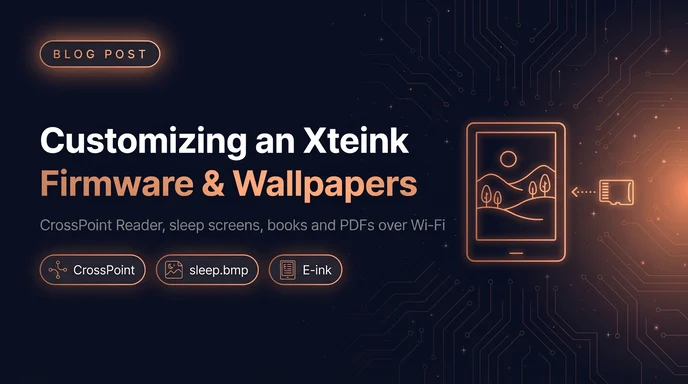
I picked up an Xteink X4 Pro, a pocket-sized e-reader, and the best thing about it is how little it asks of you. It's small enough to take everywhere, and with MagSafe it rides on the back of my phone instead of living in a bag. I pull it off, read for ten minutes, stick it back.
The other nice part: it's easy to make your own. The software is replaceable, and the sleep screen is just a file on the SD card. Cassidy Williams' write-up pointed me at the tools, and this is what I ended up with.
The first thing I did was swap the stock software for CrossPoint Reader. It's free, open source, and built by people who read on these devices.
Installing it doesn't need a toolchain. You flash it from the browser on the CrossPoint site, and that's the whole process. The same flow can load other custom firmware if you ever want to experiment. I'm running plain CrossPoint for now.
What it gets you over the stock software:
Mostly books and PDFs, and I load all of it over Wi-Fi. No cable, no pulling the SD card. I drop the file in from the browser and it's on the reader.
The sleep screen is what you see most, so it's worth changing.
For a single wallpaper, save an image named sleep.bmp to the root of the SD card. That's it.
For a rotation, make a folder named sleep at the root of the card and fill it with .bmp images.
The images need to be in the right format for the screen, and two tools handle that:
I used both. Convert a couple of your own, grab a few from the directory, drop them in the folder, done.
If you're into go, the 101 ebooks go puzzle sets are another good fit for e-ink.
It's the portability. A reader that lives on the back of my phone gets used. One that lives in a bag doesn't. And because it runs open firmware and takes wallpapers off an SD card, it works and looks the way I want instead of the way the manufacturer decided.
That's the kind of hardware I want more of: small, handy, and actually yours.
How Talk To My Sites sends signups, logins and funnel events to a Get Butters feed, and how I alert on the errors that actually matter.
Read more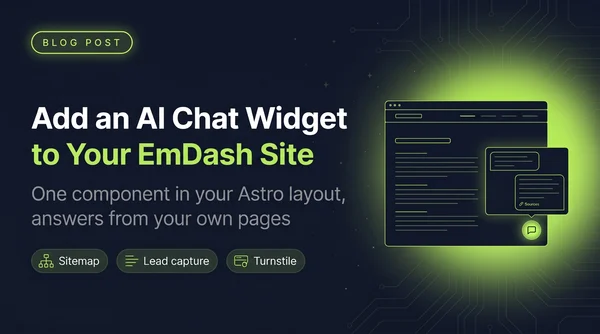
How I added a Talk To My Sites chat widget to rogerstringer.com, an EmDash site: one component in the Astro layout, lead capture, the questions dashboard, and Turnstile.
Read more
The open-source Convex backend on one Fly Machine with a volume, the dashboard on a second app, and your functions deployed with the regular convex CLI.
Read more