Customizing my Xteink X4 Pro: CrossPoint firmware and wallpapers
How I set up my Xteink X4 Pro e-reader: CrossPoint Reader firmware flashed from the browser, custom sleep-screen wallpapers, and books and PDFs over Wi-Fi.
Read more Roger Stringer
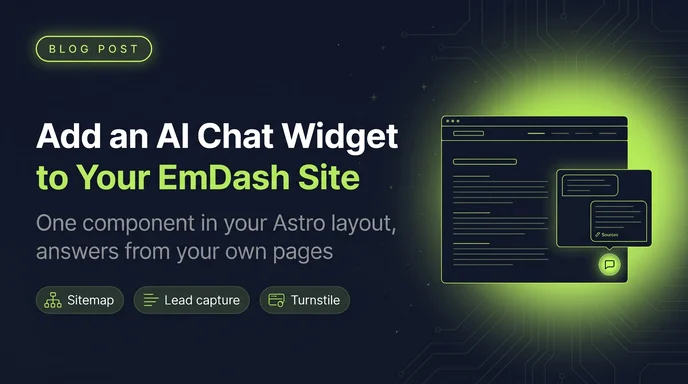
This site has a lot of answers scattered around it. Posts, field guides, bookmarks, snippets, gear, recipes. If you want to know what I think about agent memory or which keyboard I use, it's here somewhere. Finding it is the hard part.
So I added Talk To My Sites to rogerstringer.com. There's an Ask Roger bubble in the corner now. You ask in your own words, the answer comes from the pages on this site, and every reply links its sources.
rogerstringer.com runs on EmDash, the CMS built on Astro, so this is the EmDash version of the install: add the site by its sitemap, drop one component into the layout, turn on lead capture, and then actually read the questions. There's a Turnstile bonus at the end.
In the Talk To My Sites dashboard, add a site and paste the sitemap URL. For this site that's https://rogerstringer.com/sitemap.xml.
You don't have to build one. EmDash serves /sitemap.xml as a sitemap index, with one sitemap per collection that has SEO turned on. On rogerstringer.com that's seven:
sitemap-posts.xmlsitemap-pages.xmlsitemap-bookmarks.xmlsitemap-guides.xmlsitemap-snippets.xmlsitemap-gear.xmlsitemap-recipes.xmlSitemap indexes work fine. Collections without SEO stay out of the sitemap, and that's useful here too: my short links collection has no SEO, so the assistant never sees a page of redirects.
The crawler fetches every URL, strips the navigation, header, footer and sidebars, and indexes the rest. It works through big sites in batches, once a minute. You can install the widget before that finishes. It answers from whatever is indexed so far.
After setting the title, welcome message and colour, this is what the Embed the widget card gave me:
<script
  src="https://app.talktomysites.com/widget.js"
  data-site-id="c7rjo2mu3ww8k8mi"
  data-title="Ask Roger"
  data-welcome="Hi! Ask me anything about this site and Roger"
  data-color="#421ef6"
  data-position="right"
  data-theme="auto"
  defer
></script>
data-site-id is public. It has to be: the script runs in the visitor's browser. The widget only answers on the domain you registered, so copying the snippet onto another site gets you nothing.
There's no npm package, no build step, and no API key in the frontend. The widget is under 10 KB of plain JavaScript, loads after the page, and renders inside a Shadow DOM, so the site's Tailwind can't break it and its styles can't break the site.
An EmDash site is an Astro site, and every public page on mine renders through one layout, src/layouts/Base.astro. That's where the widget goes, once.
I gave it its own component, next to the analytics one:
---
// src/components/AskWidget.astro
// Production builds only, so local dev doesn't use up the monthly
// question count.
const enabled = import.meta.env.PROD;
---

{
  enabled && (
    <script
      is:inline
      defer
      src="https://app.talktomysites.com/widget.js"
      data-site-id="c7rjo2mu3ww8k8mi"
      data-title="Ask Roger"
      data-welcome="Hi! Ask me anything about this site and Roger"
      data-color="#421ef6"
      data-position="right"
      data-theme="auto"
    ></script>
  )
}
Then one line at the bottom of the layout, just before the closing </body> tag, which is where the Talk To My Sites docs say to put it:
---
// src/layouts/Base.astro
import AskWidget from "../components/AskWidget.astro";
---

    <EngagementTracking />
    <AskWidget />
    <EmDashBodyEnd page={pageCtx} />
  </body>
</html>
Two details matter:
is:inline tells Astro to leave a remote script alone. Without it, Astro tries to process and bundle the tag.import.meta.env.PROD keeps it out of astro dev. The widget does work on localhost and 127.0.0.1, so drop the check if you want to test locally. Just remember that every question counts, including yours.The EmDash admin at /_emdash/admin doesn't use your layout, so the bubble never shows up while you're editing.
Two things I checked before shipping, because they're specific to how this site runs.
Caching. rogerstringer.com runs on Cloudflare Workers, and public pages are edge-cached and purged by tag whenever content changes. The widget doesn't care. It's a static tag in the cached HTML, and every question goes from the visitor's browser straight to Talk To My Sites. Nothing hits the Worker, D1 or the cache.
Security headers. The site sends X-Content-Type-Options, X-Frame-Options: SAMEORIGIN and a Referrer-Policy, but no Content Security Policy, so there was nothing to change. If your site does send a CSP:
https://app.talktomysites.com in script-src and connect-src.'unsafe-inline' to style-src. The widget adds its own styles, and without it the panel opens unstyled.https://challenges.cloudflare.com in script-src and frame-src.The defaults are written for documentation sites, and Ask AI didn't sound like me. These are the attributes, all optional except data-site-id:
data-title: the heading at the top of the panel. Mine is Ask Roger. The default is Ask AI.data-placeholder: the hint in the message box. I left it off, so it uses the default.data-welcome: the first message in the panel. Mine is Hi! Ask me anything about this site and Roger.data-color: the accent colour, as a hex value. I went with #421ef6, a blue-violet that sits next to the site's indigo. The default is orange.data-position: right or left.data-theme: auto, light or dark.One heads-up on auto: it follows the visitor's system setting. This site also has its own light and dark toggle, which stores a cookie. If someone picks dark on the site while their system is light, the widget stays light. That's fine for me. If it bothers you, force light or dark.
Appearance lives on the tag, not in a remote config. Change it in the dashboard, copy the snippet again, and paste it over the old one.
You can also open the panel from your own buttons once the script has loaded:
TalkToMySites.open()
TalkToMySites.ask("What do you use for agent memory?")Each site has one widget domain, and the widget only answers there. That stops someone copying the snippet onto their own site and spending your questions.
rogerstringer.com covers the apex and www. If your EmDash site answers on more than one hostname, use a wildcard. My Worker also serves emdash.rogerstringer.com, so *.rogerstringer.com covers both. Changing the domain re-crawls the site and counts toward the plan's manual re-crawl limit, so it's not a cosmetic edit.
If the bubble shows up but every question fails, check this first. Open Edit site and compare the widget domain with what's in the address bar.
This is the part I didn't expect to like as much as I do. On Starter and Pro, the widget can ask visitors for their email so you can get back to them. There are three offers, and I turned on all three:
The form opens inside the chat, so nobody gets bounced to another page. Email is required. Name (up to 100 characters) and a message (up to 2,000) are optional.
Leads land on the site's Leads page, newest first, with the email, name, which offer they used, the page they were on, and their message. Export CSV gives you the lot. There are no email alerts for new leads, so check the page or export on a schedule. A site accepts up to 5 leads a minute from one IP address and 200 a day.
For a personal site, "asked for a person" is the useful one. It catches the people who want to hire me and would otherwise have closed the tab.
Open any page, look for the bubble, and ask something the site actually answers. You can also use the preview on the site page in the dashboard before you touch the layout. Preview questions count toward the monthly total, same as the ones on the live site.
Then leave it alone for a while and open Analytics on that site. The useful parts:
When I find a gap, I write the answer into a post or page in the EmDash admin and publish it. EmDash adds it to the sitemap on its own. Then I hit Re-crawl sitemap and ask the same question again in the preview. Starter also refreshes the index every week and Pro every day, so a re-crawl only matters when you don't want to wait.
A public chat box is a public endpoint, and bots will find it. Turnstile, Cloudflare's CAPTCHA alternative, puts a check in front of the widget without making real visitors click on traffic lights.
Setting it up is two dashboards:
rogerstringer.com and emdash.rogerstringer.com) and leave the mode on Managed.Nothing changes in the layout. The script tag stays exactly as it is.
Here's what happens after that. When a visitor sends their first message, the widget asks Talk To My Sites for a chat session. The response now includes your Turnstile site key, so the widget loads Turnstile from challenges.cloudflare.com, runs it with appearance: "interaction-only" and the action chat, and swaps the Turnstile token for a short-lived session token. Most visitors never see a thing. The challenge only shows itself when Cloudflare isn't sure about someone.
If the check fails or times out, the widget says "Verification failed. Please reload the page and try again." If you see that on every visit, the hostname in the address bar is missing from the Turnstile widget's hostname list.
Turnstile isn't a replacement for the limits that are already there. Each visitor can ask about 20 questions a minute, a site takes about 300 a minute in total, and your plan caps the month. Turnstile just means fewer of those questions come from scripts.
Talk To My Sites is free for 1 site, 50 pages and 100 questions a month, with no credit card. Starter is $19 a month and Pro is $49. Lead capture, PDF indexing and scheduled refreshes start at Starter. Every plan includes the widget, sources on every answer, and the questions dashboard.
If you run an EmDash site, the whole job is a sitemap you already have and one component in a layout you already have. Try Talk To My Sites free, and if you want to see how I keep an eye on Talk To My Sites itself, I wrote up how I use Get Butters to track it.
How I set up my Xteink X4 Pro e-reader: CrossPoint Reader firmware flashed from the browser, custom sleep-screen wallpapers, and books and PDFs over Wi-Fi.
Read more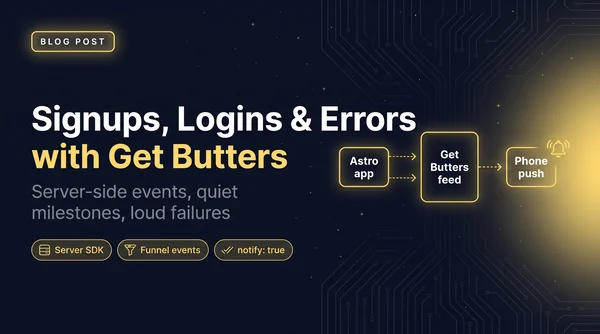
How Talk To My Sites sends signups, logins and funnel events to a Get Butters feed, and how I alert on the errors that actually matter.
Read more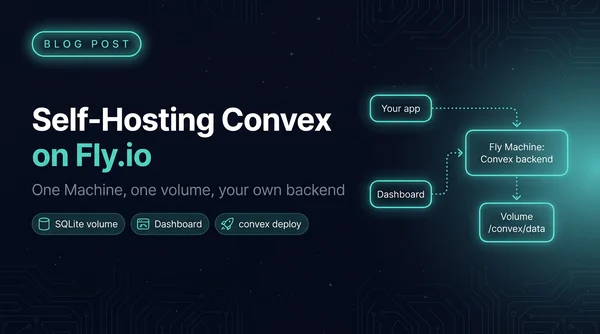
The open-source Convex backend on one Fly Machine with a volume, the dashboard on a second app, and your functions deployed with the regular convex CLI.
Read more