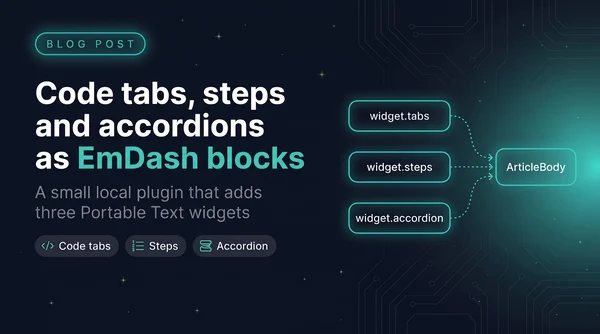
Code tabs, steps and accordions as EmDash blocks
How I added code tabs, numbered steps and an accordion to EmDash's editor with a small local plugin: Block Kit fields, no-JavaScript Astro components, and Markdown output for agents.
Read more Roger Stringer
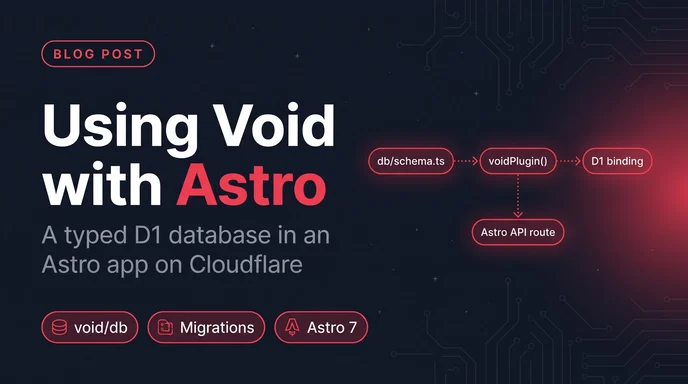
Void is Cloudflare's full-stack framework for Workers, built on Vite. Most of its docs assume a Void app: file routes, .server.ts loaders, the whole thing. But it also has a framework mode, and Astro is one of the supported frameworks. Astro keeps its own pages, build and Cloudflare adapter, and Void plugs into Astro's Vite config to add a typed database, migrations, KV, storage, cron and deploys.
That's a pretty interesting combination for anyone already running Astro on Workers. This site is Astro 7 on Cloudflare Workers, so I wanted to see what the integration actually takes. I built a small test app from the Astro integration page, added a database-backed API route and page, and ran it in dev and as a production build.
It works. But I hit one wall on the very first build, and the docs don't mention it.
The Astro page says you need Astro 7+ (Void needs Vite 8) and the nodejs_als compatibility flag. What it doesn't say is that Void 1.x needs Node ^24.22.0 || >=26.12.0.
I was on Node 24.14.1. npm install -D void didn't fail. It quietly installed void 0.10.13 instead of 1.12.0, the current release, because that was the newest version whose engines field my Node satisfied. The old version uses a different setup (no void.config.ts, a hand-written wrangler.jsonc), so the first build following the current docs died with:
The provided configPath (.../my-app/.void-wrangler.jsonc) doesn't point to an existing fileThat error sends you looking at the config file. The real cause is Node, so before anything else:
node --version # needs 24.22+ or 26.12+After switching to Node 24.22.3, the same install pulled the versions I tested everything with:
Package | Version |
|---|---|
astro | 7.4.13 |
@astrojs/cloudflare | 14.4.9 |
void | 1.12.0 |
vite | 8.4.0 |
wrangler | 4.168.0 |
Create the project and add the two packages:
npm create astro@latest my-app
cd my-app
npm install -D @astrojs/cloudflare void
Then point Astro's Cloudflare adapter at a config file Void manages, and add Void's Vite plugin:
// astro.config.mjs
import cloudflare from '@astrojs/cloudflare';
import { defineConfig } from 'astro/config';
import { voidPlugin } from 'void';

export default defineConfig({
  adapter: cloudflare({ configPath: './.void-wrangler.jsonc' }),
  vite: { plugins: [voidPlugin()] },
});
The Worker settings live in void.config.ts:
// void.config.ts
import { defineConfig } from 'void/config';

export default defineConfig({
  cloudflare: {
    name: 'my-app',
    compatibility_date: '2026-02-24',
    compatibility_flags: ['nodejs_als'],
  },
});
You don't create .void-wrangler.jsonc yourself. The docs never say where it comes from, which is why the error above is so confusing. With Void 1.12, the first astro build or astro dev writes it from void.config.ts. After I added a database, it looked like this:
{
  "name": "my-app",
  "compatibility_date": "2026-02-24",
  "compatibility_flags": ["nodejs_als"],
  "d1_databases": [
    { "binding": "DB", "database_name": "default", "database_id": "local" }
  ]
}
I never declared that D1 binding. Void saw db/schema.ts, worked out that the app needs a database, and wrote the binding for me. That's the "resource detection" the docs mention, and it's the part that feels most different from wiring Wrangler by hand.
The schema goes in db/schema.ts, using Void's Drizzle helpers. No separate drizzle-orm install.
// db/schema.ts
import { sql } from 'void/db';
import { integer, sqliteTable, text } from 'void/schema-d1';

export const notes = sqliteTable('notes', {
  id: integer('id').primaryKey({ autoIncrement: true }),
  body: text('body').notNull(),
  createdAt: text('created_at')
    .notNull()
    .default(sql`(datetime('now'))`),
});
Generate the SQL migration and apply it to the local database:
npx void db generate
npx void db migrate
generate wrote a timestamped file to db/migrations/ with a plain CREATE TABLE notes (...), and migrate applied it locally.
The API route is a normal Astro endpoint. The two Void-specific bits are the imports: @schema resolves to your schema file, and db comes from void/db. Anything that touches a binding must opt out of prerendering, or Astro tries to run it at build time.
// src/pages/api/notes.ts
import { notes } from '@schema';
import type { APIRoute } from 'astro';
import { db, desc } from 'void/db';

export const prerender = false;

export const GET: APIRoute = async () => {
  const rows = await db.select().from(notes).orderBy(desc(notes.id)).limit(20);
  return Response.json(rows);
};

export const POST: APIRoute = async ({ request }) => {
  const { body } = (await request.json()) as { body?: string };
  if (!body?.trim()) return Response.json({ error: 'body is required' }, { status: 400 });
  const [note] = await db.insert(notes).values({ body: body.trim() }).returning();
  return Response.json(note, { status: 201 });
};
The same query works straight from an .astro page:
---
// src/pages/notes.astro
import { notes } from '@schema';
import { db, desc } from 'void/db';

export const prerender = false;

const rows = await db.select().from(notes).orderBy(desc(notes.id)).limit(20);
---

<h1>Notes</h1>
<ul>
  {rows.map((note) => <li>{note.body} <small>{note.createdAt}</small></li>)}
</ul>
With npm run dev running, I posted a note and read it back:
curl -X POST -H 'content-type: application/json' \
  -d '{"body":"first note from Astro"}' http://localhost:4321/api/notes
# {"id":1,"body":"first note from Astro","createdAt":"2026-11-26 17:14:46"}

curl -X POST -H 'content-type: application/json' -d '{"body":""}' http://localhost:4321/api/notes
# {"error":"body is required"}   (400)
/notes rendered the row. Then npm run build and astro preview served the same data from the production build.
On my first dev run, Void generated a src/middleware.ts (its header says "Auto-generated by Void in dev. Do NOT edit. Removed when the dev server stops") and added src/middleware.ts to .gitignore. It uses that middleware to fire cron and queue handlers locally.
I stopped that first server with a hard kill, and both the file and the .gitignore line stayed behind. That matters more than it sounds. If you later write your own src/middleware.ts, git ignores it, and your middleware never makes it into a commit.
When I added my own middleware first, Void left it alone and my header still came through. So stop the dev server with Ctrl+C, and if you ever kill it hard, check .gitignore for that line.
The rest of Void works from Astro's server code with the same imports a Void app uses: KV, object storage and AI, plus cron jobs in crons/ and queue consumers in queues/. I only tested the database.
Environment variables have one twist. Declare them in env.ts and read them with import { env } from 'void/env', which replaces astro:env. Client-exposed keys use Void's VITE_* prefix, even in Astro, where you'd normally reach for PUBLIC_*.
When you need a raw binding, env from cloudflare:workers still works:
import { env } from 'cloudflare:workers';

const { results } = await env.DB.prepare('SELECT * FROM notes').all();
One thing that doesn't work yet: Void's managed auth isn't supported in framework mode. The docs point you to Better Auth's Astro integration instead.
I didn't deploy this test app. Per the docs, it's two commands:
npx void auth login
npx void deploy
void deploy builds the app, provisions the resources it detected (that D1 database), applies pending migrations and publishes the Worker. It can target your own Cloudflare account or a team's Void platform. The CLI also has void project logs and void project rollback. A rollback only restores application code. Migrations stay applied, so plan schema changes the previous version can live with.
For a new Astro app that needs a database, yes. The part I'd normally do by hand, the Wrangler bindings, the D1 setup, the migration workflow, came for free from one schema file.
Just check node --version before you npm install.
How I added code tabs, numbered steps and an accordion to EmDash's editor with a small local plugin: Block Kit fields, no-JavaScript Astro components, and Markdown output for agents.
Read more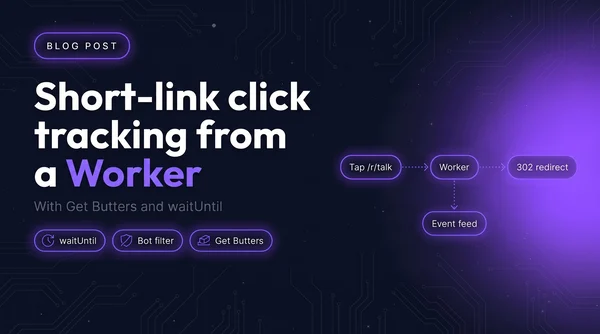
Short-link redirects never load a page, so page analytics can't count them. Here's how rser.me tracks them from the Worker with waitUntil, a bot filter and Get Butters, without slowing the redirect or storing personal data.
Read more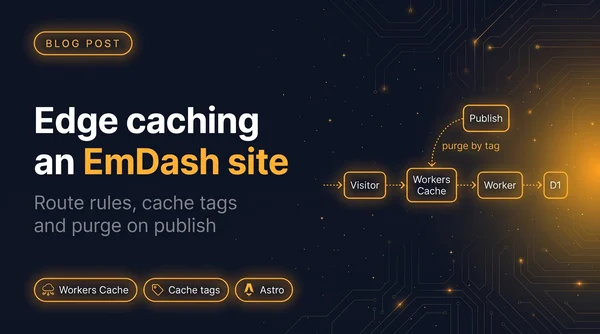
How this EmDash site uses the Cloudflare Workers Cache: route rules for lifetimes, cache tags so publishing purges the right pages, and the responses that stay out of the cache.
Read more